Renewal adds one year to a domain name’s registration. The price is shown in USD and paid from your KEHR balance. Renewing a domain does not extend a traffic processing plan. Start early: if registration has already expired, standard renewal may be unavailable.
Check the renewal offer#
- Open “Registrar” → “My Domains”. Find the name you need and note its “Expiration” date.
- Click “Renew” in the domain’s row on desktop or its card on a phone.

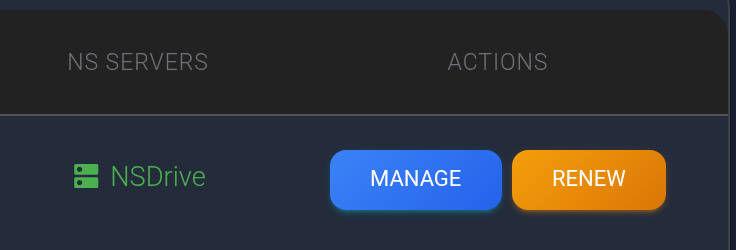
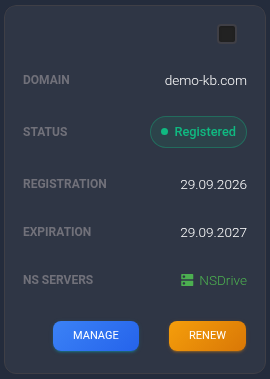
The screenshot shows the sample domain demo-kb.com, expiring on 29 September 2027. If you cannot find the name, check filters and the archive using the domain list guide.
The dashboard checks renewal availability and opens “Check renewal terms”. Check the domain, cost in USD and period. The example below uses 12 USD for one year; this is a sample amount, not a current price for every domain. Renewal may cost a different amount from the original purchase.
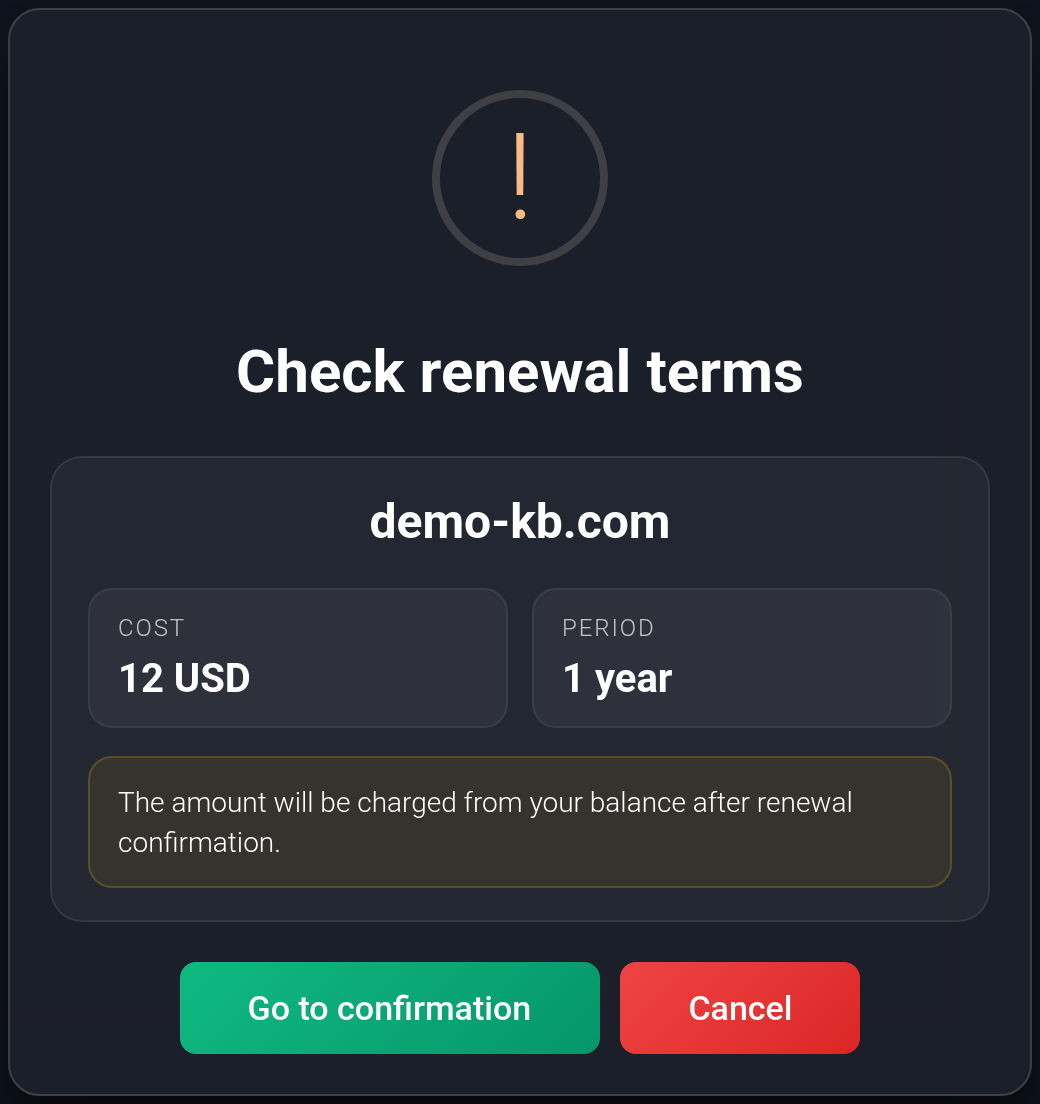
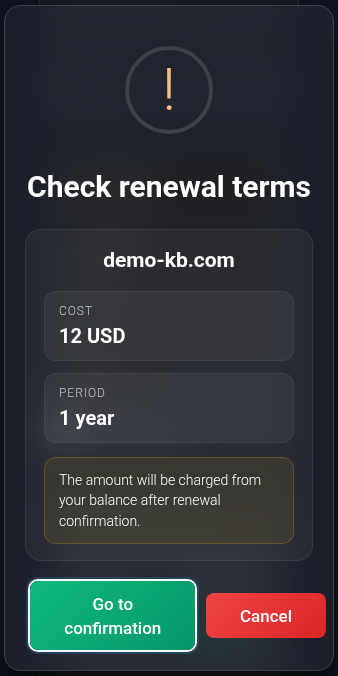
Opening this window does not charge your balance. If you do not accept the terms, click “Cancel”. To proceed, click “Go to confirmation”.
Confirm the renewal#
- In the second window, check the name, period and amount again.
- Select “I confirm renewal and balance charge”. Until you do so, the confirmation button is disabled.
- Click “Confirm renewal” once and wait for the response. This button submits the paid request; selecting the checkbox alone does not charge you.
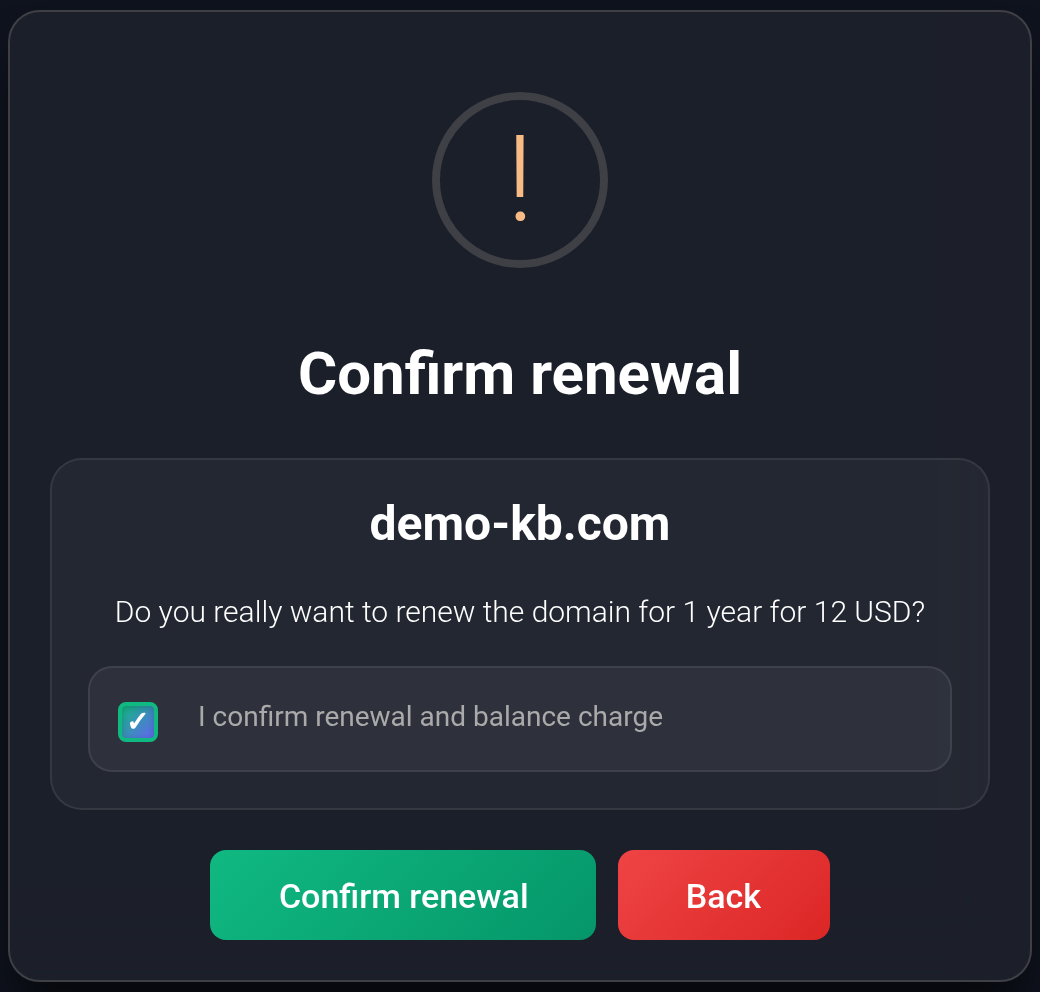
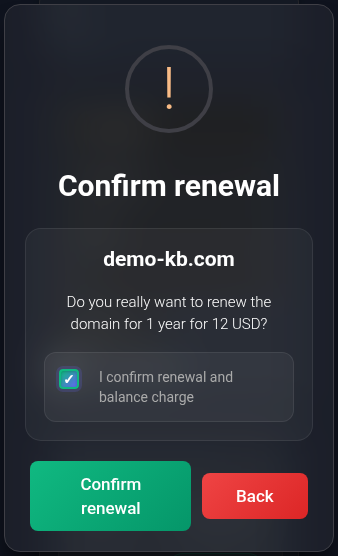
Before submitting, you can click “Back”: the window closes without starting renewal. If needed, click “Renew” again and review the terms. After submission, closing the window does not cancel the order.
Check the result#
“The domain has been queued for renewal.” means the request has been accepted for processing. The order is already charged at this stage; this is not yet confirmation of a new registration period.
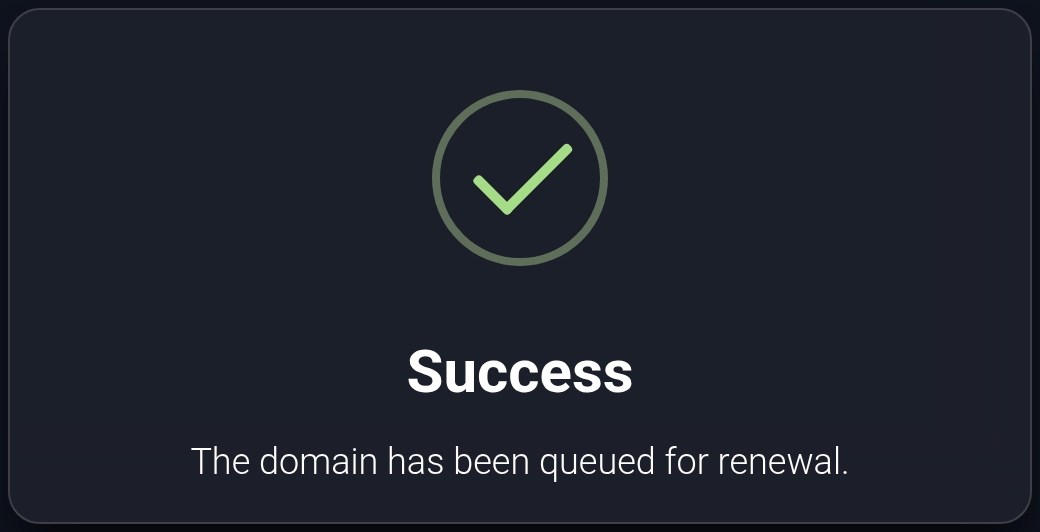
- Allow processing to finish and refresh “My Domains”. Check that the “Expiration” date has changed for the same name.
- Open “Balance history” and find “Domain renewal: …” for that name. Check the amount and order status. “Pending” means the result is not available yet; a successful order becomes “Completed”. The transaction history guide explains how to find it.

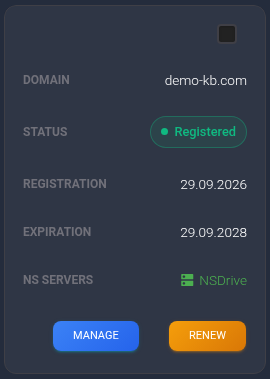
Sample result: the expiration date of the same demo-kb.com changes from 29 September 2027 to 29 September 2028. The original registration date stays the same. Immediately after the queue message, the table may still show the old date; refresh it again later.
If there is no response or the date does not change#
After the final button, do not blindly submit renewal again: a connection failure may occur after an order was created. First check history, balance and the current expiration date. If the order remains pending, is cancelled, or completes without the date changing, contact KEHR support. Include the domain, order number from history, previous expiration date and any error message. An error or cancellation status alone does not establish that no money was charged or that a refund has already arrived.
If the dashboard explicitly reported insufficient funds when you submitted the request, add funds to your USD balance and reopen the terms. Check the amount again after adding funds: the previous offer may have changed.
If renewal is unavailable#
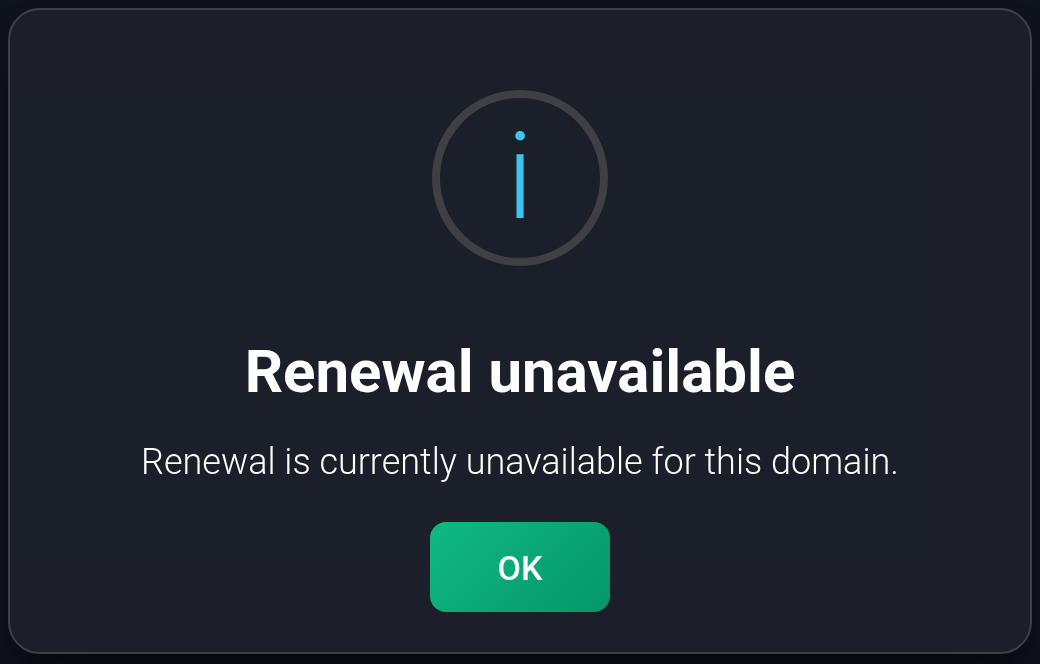
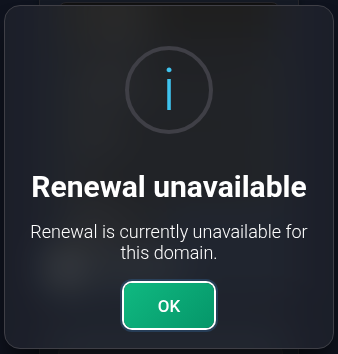
You may see “Renewal unavailable” instead of an offer. This preliminary check does not create a paid order. Repeated clicks will not resolve it: save the domain name, current expiration date and message, then contact support.
If the record is archived, first restore it to the regular list and check renewal availability again. For a blocked domain, ask support about the cause first.
If registration has already expired, contact support as soon as possible: eligibility for standard renewal or restoration depends on the domain’s state. The presence of “Renew” does not guarantee availability. The “My Domains” guide explains the statuses and date colours.