A domain is an address such as example.com. The same address can appear in three KEHR sections: as a registered name, as an address assigned to a plan and as a connected website. These are different records about the same address, not three purchases of the domain.
Choose the section by your task: registration expiry — “My Domains”; plan assignment — “Domains”; site protection setup — “Connected Sites”.
The screenshots use example.com as an example. Your plan name, dates and statuses will differ.
“My Domains”: registration and renewal#
Open “Registrar” → “My Domains”. This section tracks domains ordered through KEHR, including their registration status and expiry date. Use this date to check when the domain name itself needs to be renewed.

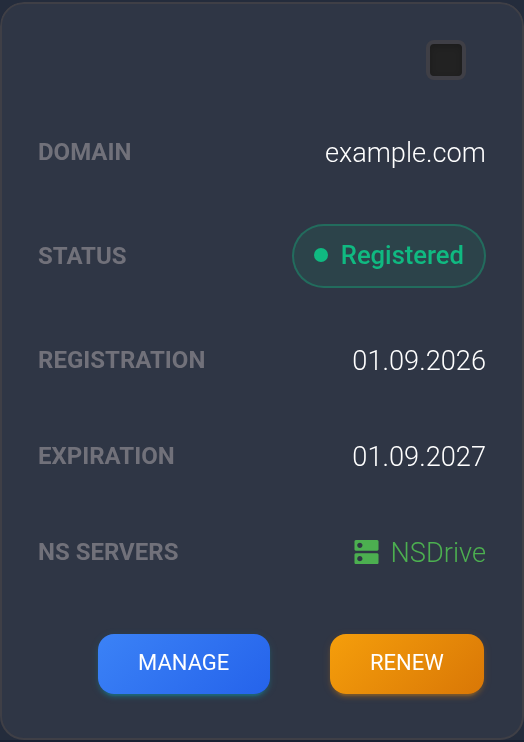
This section also manages nameservers (NS), which identify where your domain's address settings are stored. Those settings are called DNS records and can, for example, direct visitors to the server hosting your website. You do not need to change nameservers just to compare the dashboard sections.
- Need a new domain? Open “Registrar” → “Register Domains” and follow the domain purchase guide.
- Need to keep a domain you already own? Follow the domain renewal guide.
If you bought a domain from another registrar, renew it there. Adding its address to a KEHR plan does not transfer the registration to KEHR.
“Domains”: an address assigned to a plan#
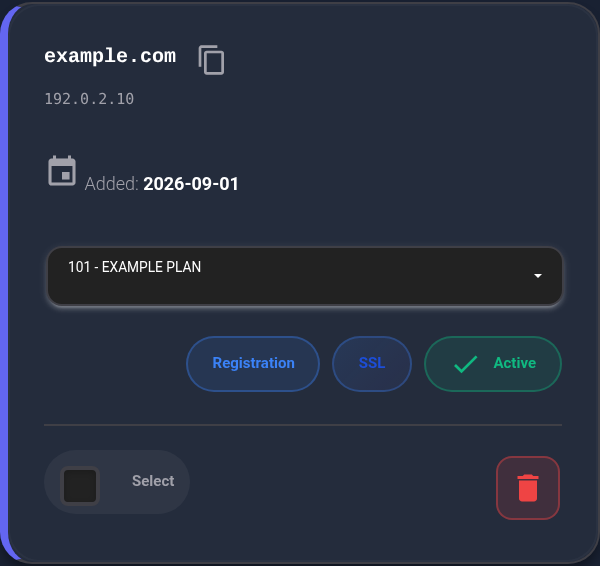
Open “Cloaking | Tracker” → “Domains”. This list is used to set up how visits are handled, such as sending visitors to selected pages. The address card shows which plan it belongs to.
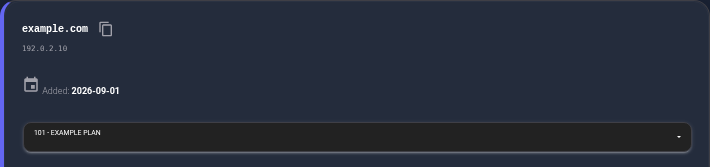
Close-up: the selected plan in the address card.
Adding an address here does not buy or renew the domain. You must own the name and control the settings needed to connect it. You can use a domain bought through KEHR or another registrar.
To add an address or change its plan, follow the domain assignment guide. Renewing a plan pays for continued use of the KEHR service. Renewing a domain registration pays for continued use of the name itself. These have separate expiry dates and are separate operations.
“Connected Sites”: protect a site on your hosting account#
Open “Cloaking | Tracker” → “Connected Sites”. This is where you connect an existing website whose files are on your hosting account. Hosting is where those files are stored and served to visitors.
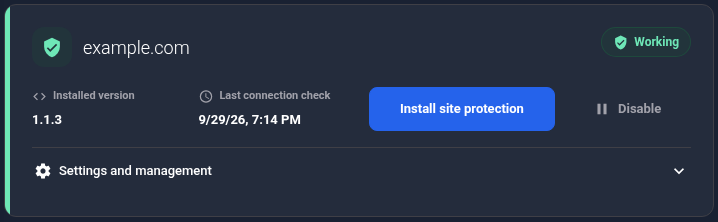
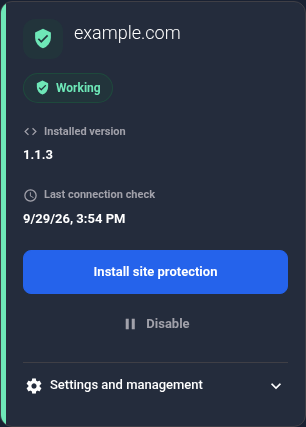
To enable protection, you install the KEHR PHP module alongside your site's files. Your hosting must support PHP; ask your hosting provider if you are unsure. This connection method does not require pointing your domain to a KEHR server through DNS.
The site uses an address assigned to an active plan that supports site protection. When connecting a site, you can select an existing address or add a new one if the plan has an available domain slot. This is why the same address can appear under both “Domains” and “Connected Sites”.
Start with the guide to adding a site, then follow the module installation instructions in its card. A site card or a successful connection to the module does not prove that every page is protected. Finish by checking that protection is working.
Why an address may be missing from a list#
- It is only under “My Domains”. Check its registration status. Assigning the address to a plan and installing protection are separate actions. A name appearing in this list does not itself mean that registration has completed.
- It is under “Domains” or “Connected Sites”, but not “My Domains”. This does not confirm that you bought the name through KEHR. Check which registrar holds the registration: you may need to renew it there.
- You bought it through KEHR but cannot find it. Make sure you are signed in to the same account, then check the list, filters and registration status using the My Domains guide. An address appearing in another section is not a substitute for registration confirmation.