The default action defines what to do with a visit when no filtering rule matches. It is at the bottom of the diagram in “If no rule matched”. Configure it before sending visitors to a connected domain.
This does not disable other checks or guarantee allowed access. An incoming link can have its own template, which may take precedence over this selection. The difference is explained below.
Choose an action#
- Open “Plans” → “Settings” on the required active plan. Check its ID, then open “Filtering (TDS)”.

- Scroll down to “If no rule matched”. This block is present even if there are no rules yet. Open the action list.
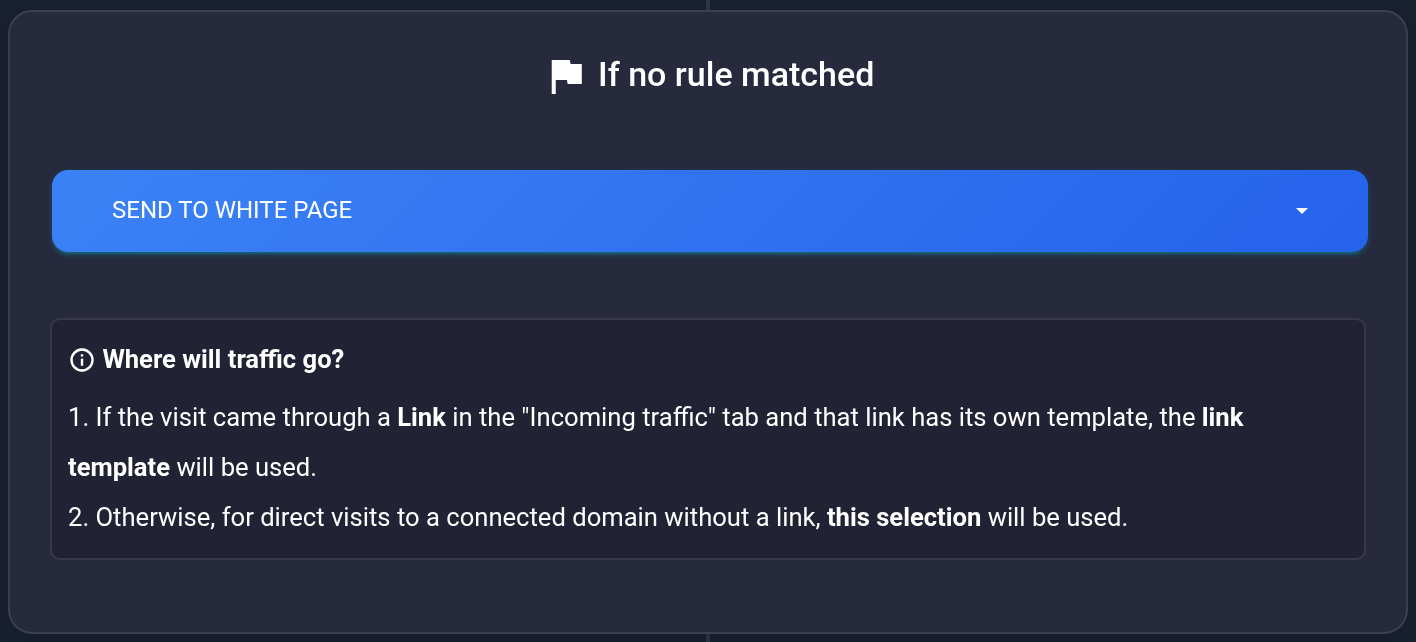
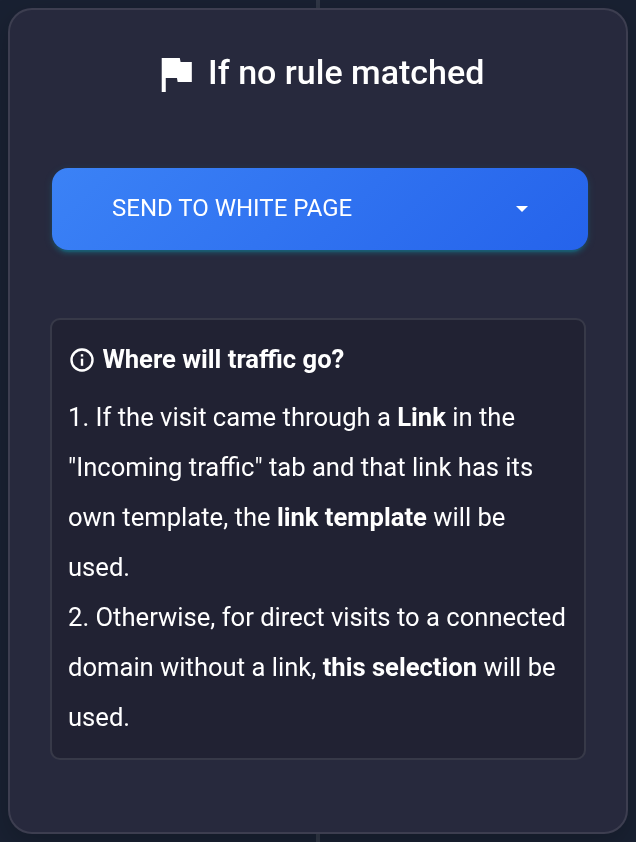
- Select a saved template by its ID and comment. Its destination URL determines where the visit goes next. The screenshots use #502 “Other visits”; use your own template. “Send to White Page” shows a configured page instead of redirecting to the destination. It does not automatically allow access.
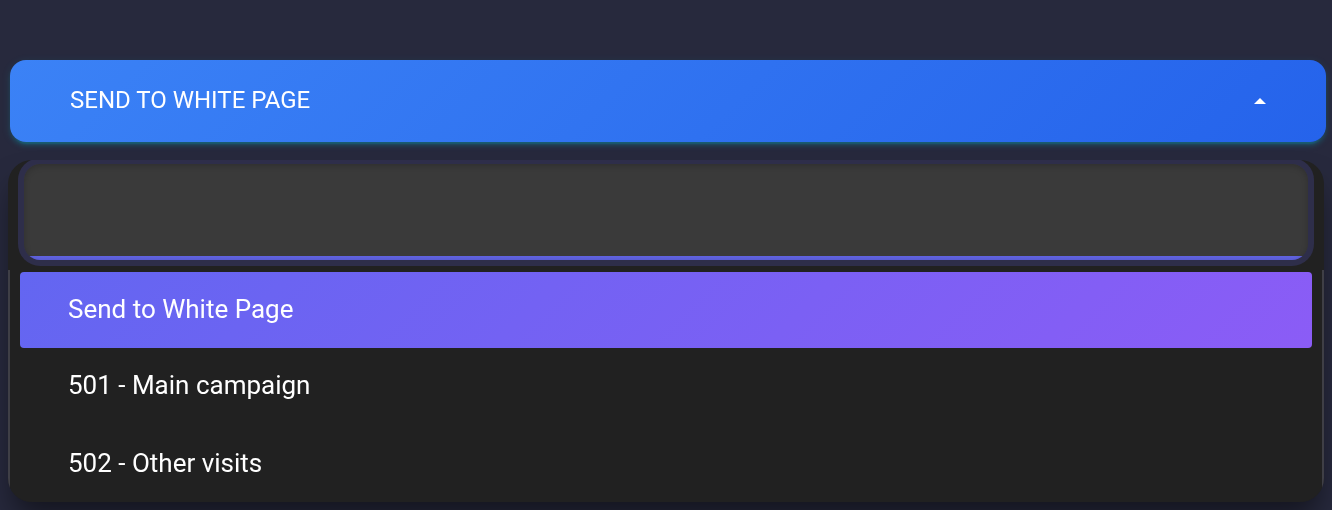
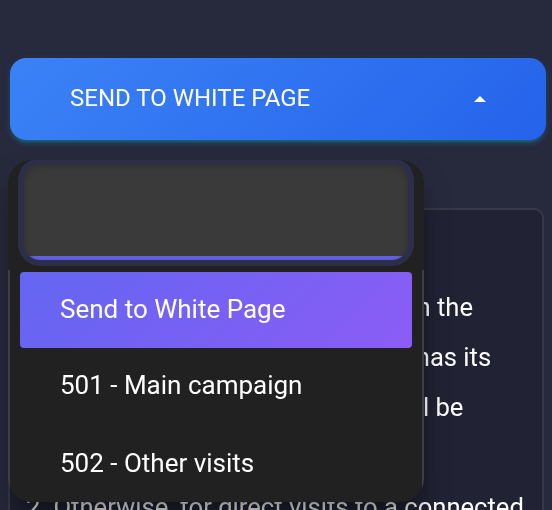
- The selection is submitted as soon as you change the list. There is no separate “Save” button here. Wait for “Template set”. If an error appears, do not treat the selection as saved. Check that the template is available and retry only after fixing the error.
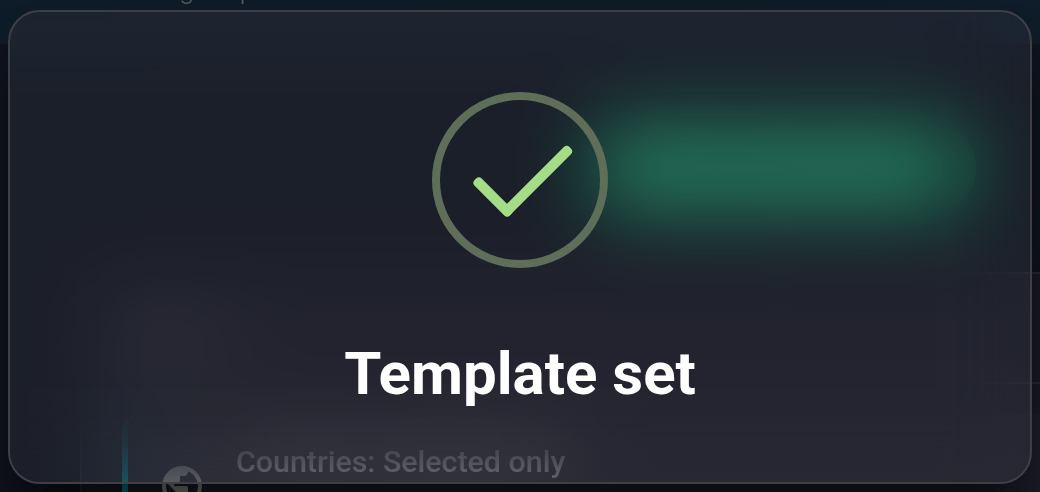
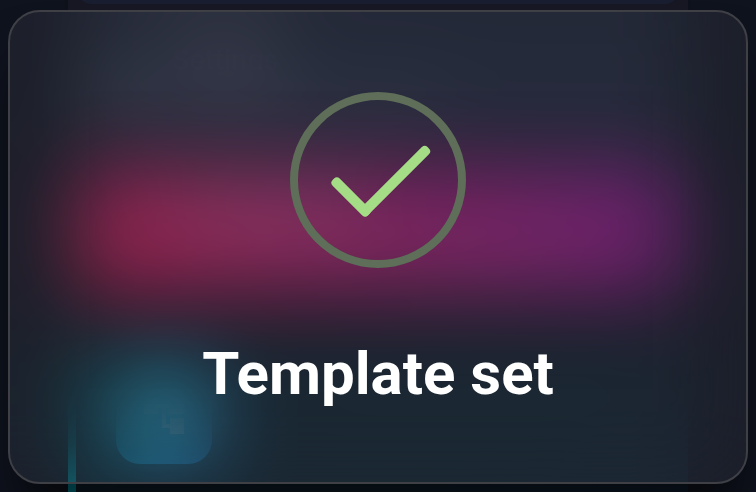
- Refresh the page and reopen filtering. The same selected ID and comment must remain at the bottom. A notification or the value in a list that has not been refreshed does not confirm saving.
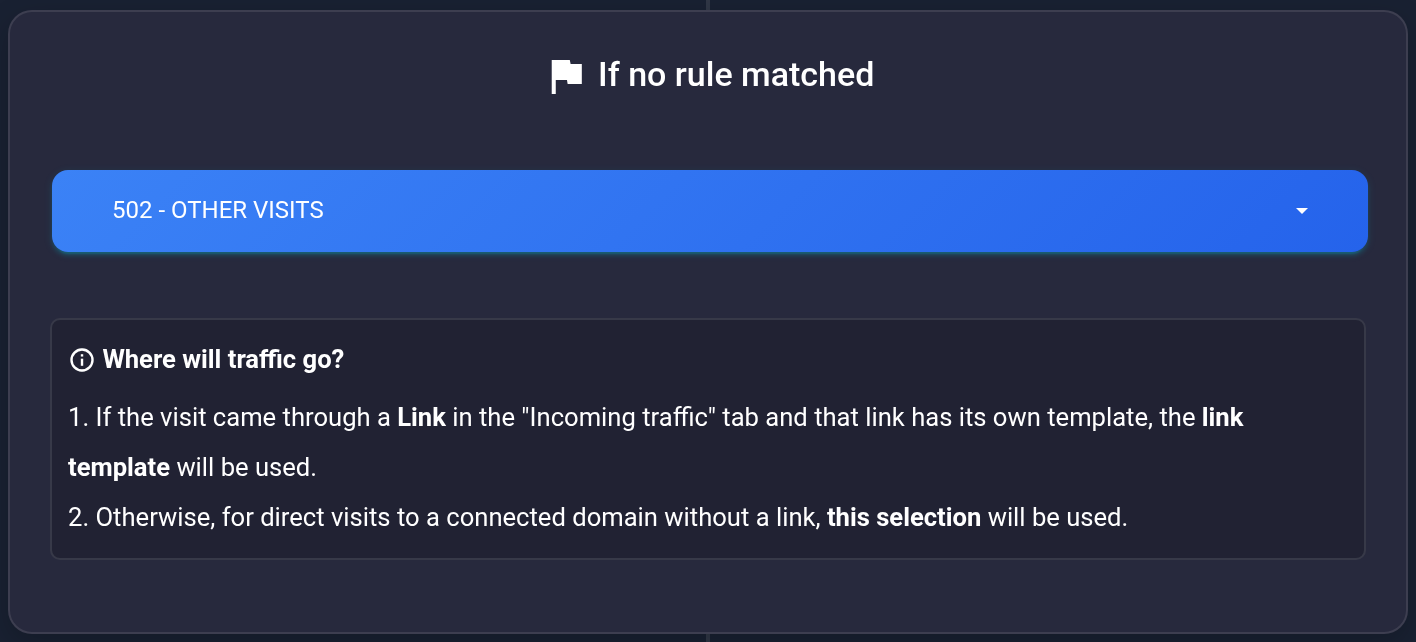
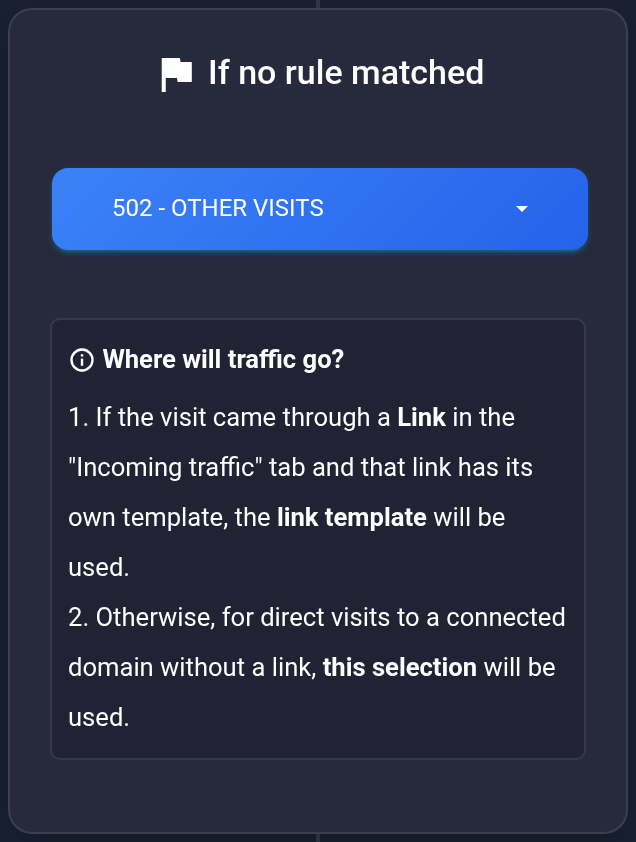
If no templates are listed, create the required template first. “Choose action...” is a prompt, not a separate processing action. To restore previous behavior, select the previous template or White Page and check that it is saved again. Changing this list does not delete rules.
Direct visits and stream links#
- A visit through an incoming link: matching rules are checked first. If they produce no result, the link's own template may be used. For example,
example.com/promouses #501. Changing the general selection to #502 does not change that assignment. - Opening the domain without a path: the selection below the diagram is normally used after rule checks. However, check the “Incoming traffic” list. An entry for
example.comorexample.com/can also have its own template. A URL without a path is not necessarily independent of the link list.
Test the exact URL your visitors will use. In the rule example, country DE uses template #501; a visit from another country does not match the DE rule. If the link has no overriding assignment, the expected result is template #502 selected here.
- Make a test visit that does not match your rules. Note its time and full URL. Open that plan's visit history and find this exact attempt.
- Check the country, other visit conditions, result, and issued destination if recorded. White Page may not navigate to a destination URL. Test the incoming link and the domain separately if you use both.
If access is restricted#
Open the required history entry and read “Result” and the reason below it. The screenshot shows one specific case: “No rule matched and no default destination is configured”. This does not describe every restricted visit.
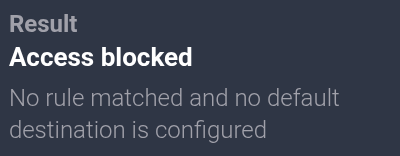
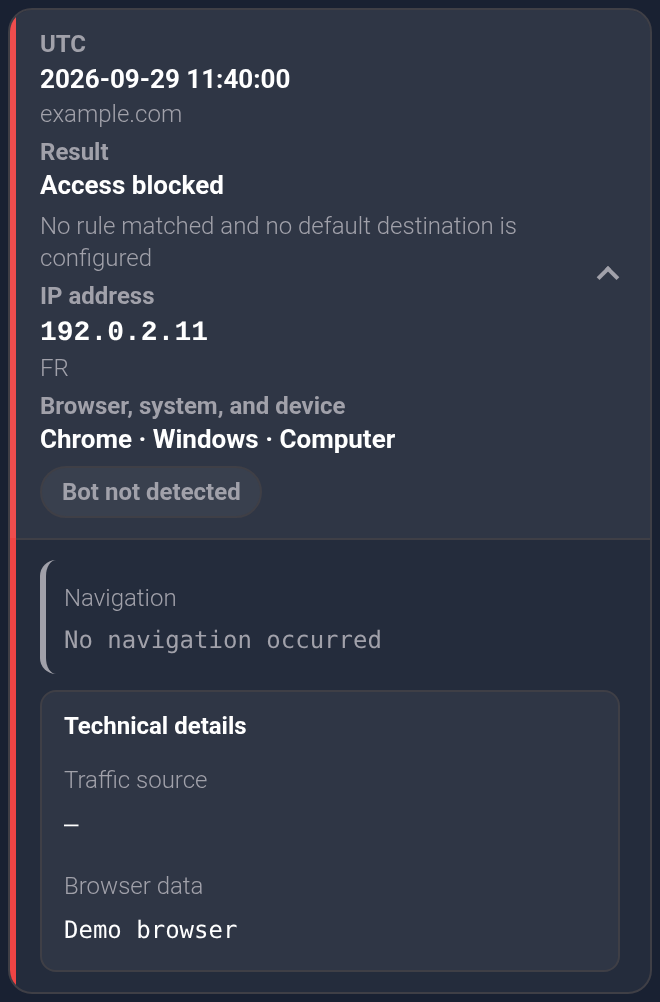
- The reason says no default action is configured: check that the correct plan is active, the selection was saved, the template still exists, and the exact URL has the intended assignment.
- The reason is different: follow that reason. Changing the default action does not fix every restriction or disable protection.
- “Bot not detected” describes visitor classification. It does not by itself mean access was allowed. See how to read the result and reason.
- The selection resets or the cause is unclear: send support the plan ID, UTC time from history, exact URL, and error text. Remove personal data from screenshots. Do not send a password or API key.